Coaches
Keep up with questions between sessions and give clients a place to find your next call.
MentorDrop Articles
Help more people with the answers from your sessions. Articles groups questions by topic and writes from the explanations you and your team have already given.
No card required.
Works with your existing website or platform
Your sessions are full of answers that could help people beyond the group. But between looking after clients and preparing the next session, writing from scratch keeps slipping down the list.
How it works
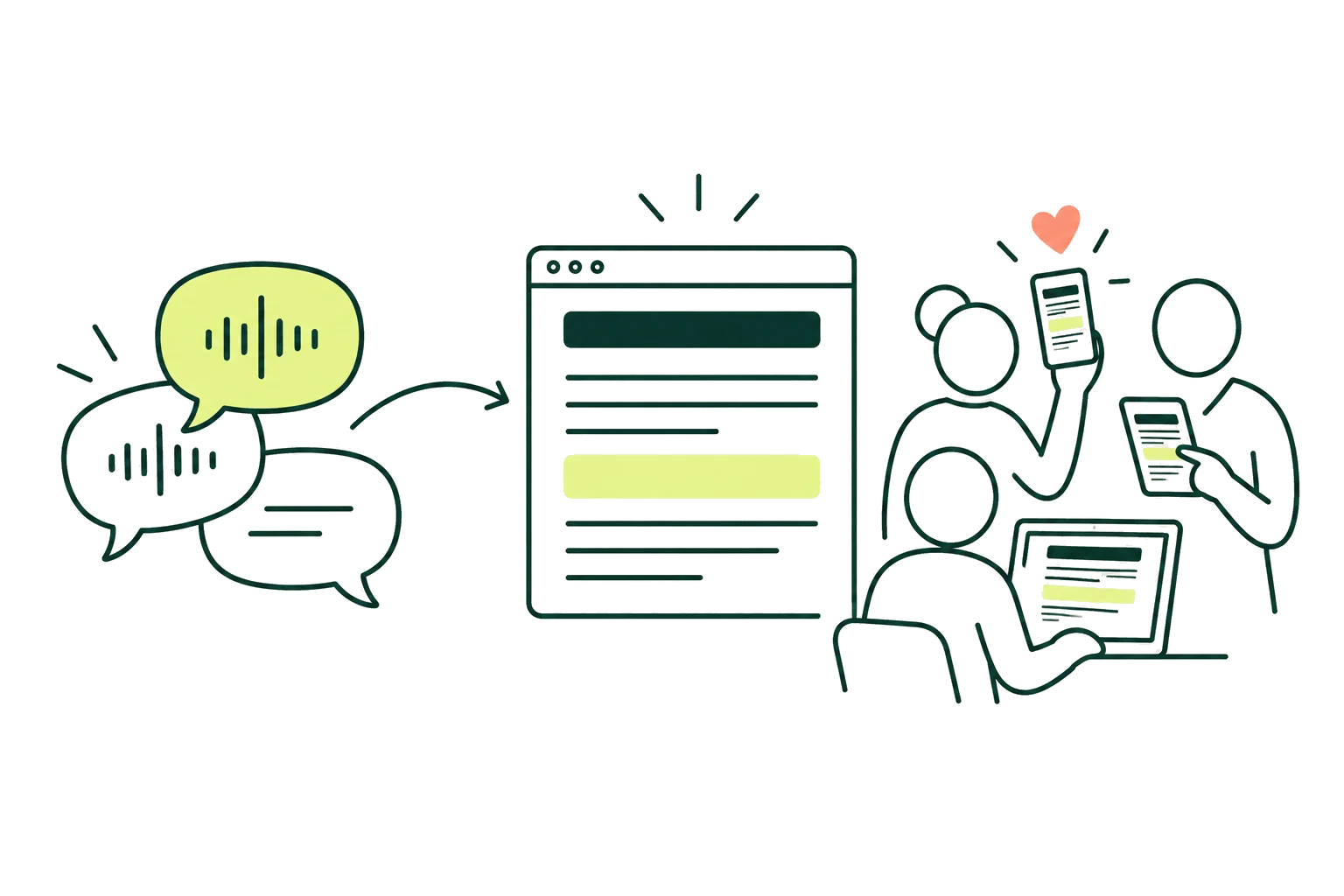
Pick the sessions you want to use. Articles starts with the answers you and your team have given in writing or by voice.
Questions on the same topic are grouped into an article. You can adjust the groups and choose which ones to publish.
Choose a topic and Articles turns your explanations into an article. You can edit it or take it down whenever you need to.
Articles can grow with the answers you keep giving. Any text you’ve edited stays as you left it until you choose to change it.
On the platform you already use
Bring your articles together on a Kajabi or WordPress page, where readers already know your work.
Choose where people read
Pick a page for your articles and share that address with your readers.
Manage your articles from MentorDrop
Publish, edit or remove articles in one place. Your changes appear on the page your clients read.
Share what you know. Keep your recordings private.
You need a page to display your articles, such as one on Kajabi or WordPress. Readers see the writing; recordings from your sessions stay private.
For one person or a whole team
Coaches, mentors and experts working with clients, on their own or with a team. Tools to support that work, from the first conversation to the next program.
Keep up with questions between sessions and give clients a place to find your next call.
Share useful answers with the group and keep them available for future clients.
Learn what a potential client needs before the call, and turn useful explanations into articles more people can read.
Bring together the answers, upcoming sessions and videos that help your group keep learning.
Simple pricing
Start with the tool you need: Q&A, Events, Articles, Qualify, Library or Offers.
14 days free. No card required.
For getting started with your first clients.
$29 / month
$348/year
For working with clients on your own or with a small team.
$79 / month
$948/year
For a growing team that needs more capacity.
$159 / month
$1,908/year
Team of more than 15? Business: 50 seats and 6,000 credits a month, $399 / month.
Q&A for questions, Events for your live sessions, Articles for publishing your answers, Qualify for applications and Library for your clients' videos are available in every plan, with no limit on clients or groups. Offers lets you sell access to your Spaces with a Stripe account in your name, with no MentorDrop commission, as soon as you pay for your plan (not on the free trial).
Frequently asked questions
No. Keep your courses, community and payments where they are. Add the tools to Kajabi, Hotmart or WordPress. You can also share your calendar, forms and videos with a link, and sell access to your Spaces with a Stripe account in your name, with no MentorDrop commission.
You or your team. While the client waits, Q&A can show a provisional answer put together automatically from what your mentors have already answered and your transcribed videos, with its sources; you can turn it off in each session. It shows only when something fits, says it was put together automatically and may be wrong, and the question still reaches your team.
Each session can have its own dates, rules, and question limits. Clients know when they can ask, so your availability stays within clear boundaries.
No. Clients enter their email and receive a secure code. MentorDrop can remember the browser, so there is no new password to create or remember.
Yes. Start with any of them and add the others when you need them.
You get 14 days free to try the tools with your own content and clients. No card required to get started. Selling with Stripe opens as soon as you pay for a plan.
Team seats are for you, your admins and your mentors. Clients do not take up those seats. If you need more than your plan includes, you can move to a plan with more capacity.
No. You can work with as many clients and groups as you need. You decide who has access.
You pay the full annual amount shown for your plan in one payment. It costs less than paying month by month.
Help more people with what you know
Choose a session and see which topics you could share with more people.
No card required.
Questions before you start? Write to hello [at] mentordrop.com